

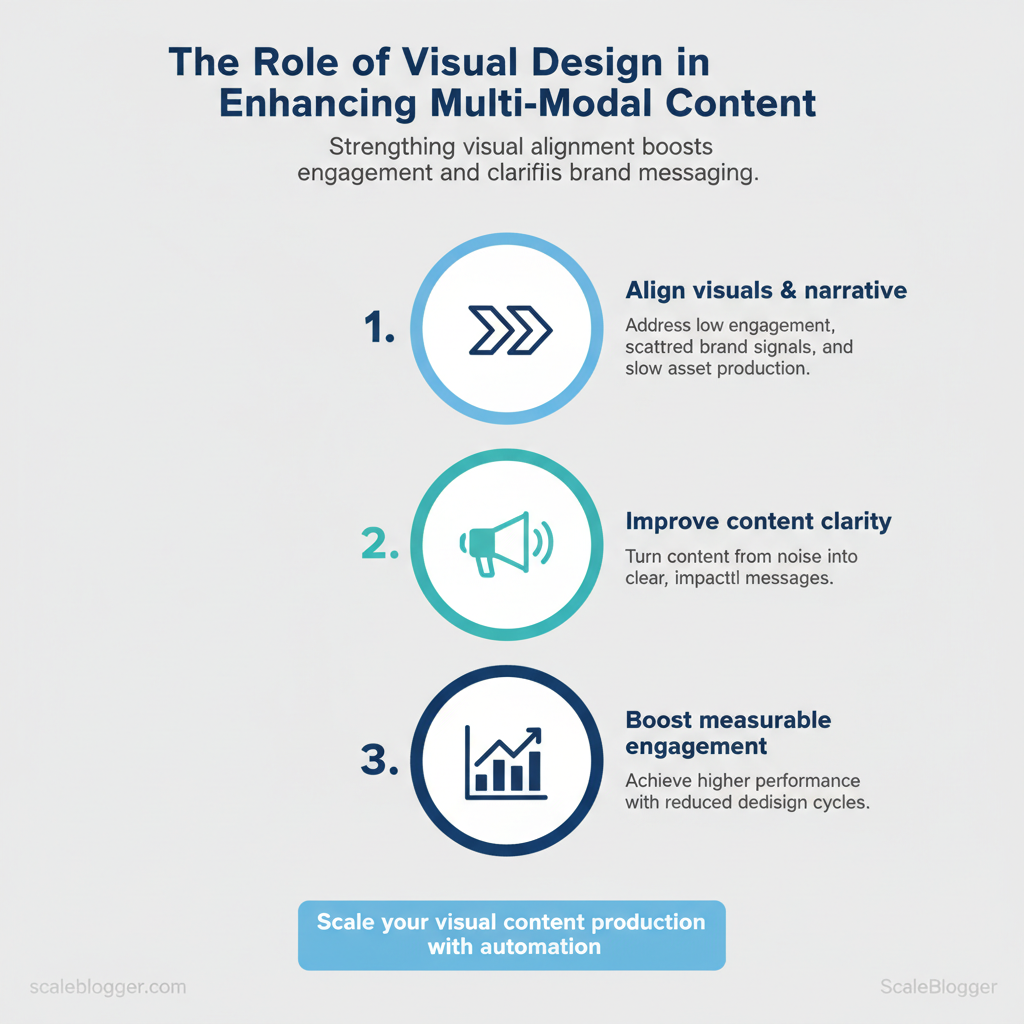
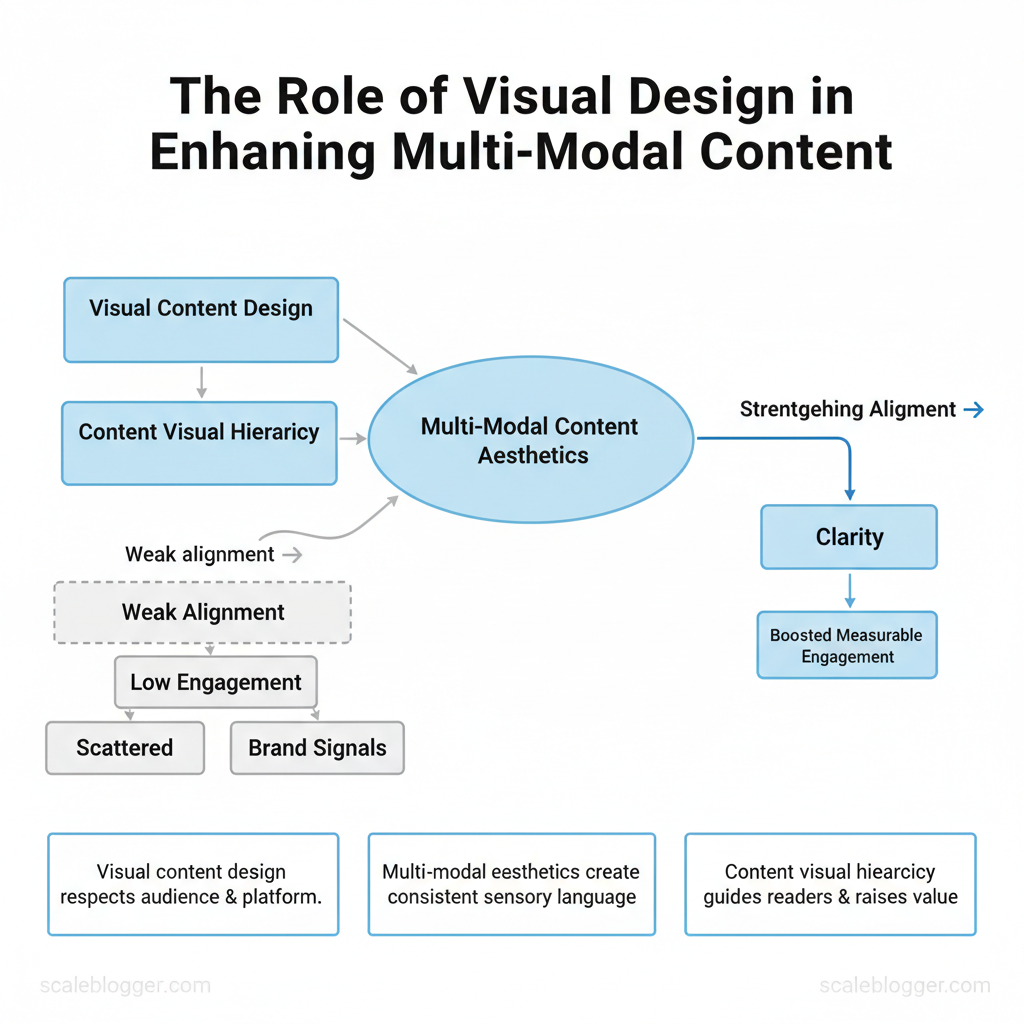
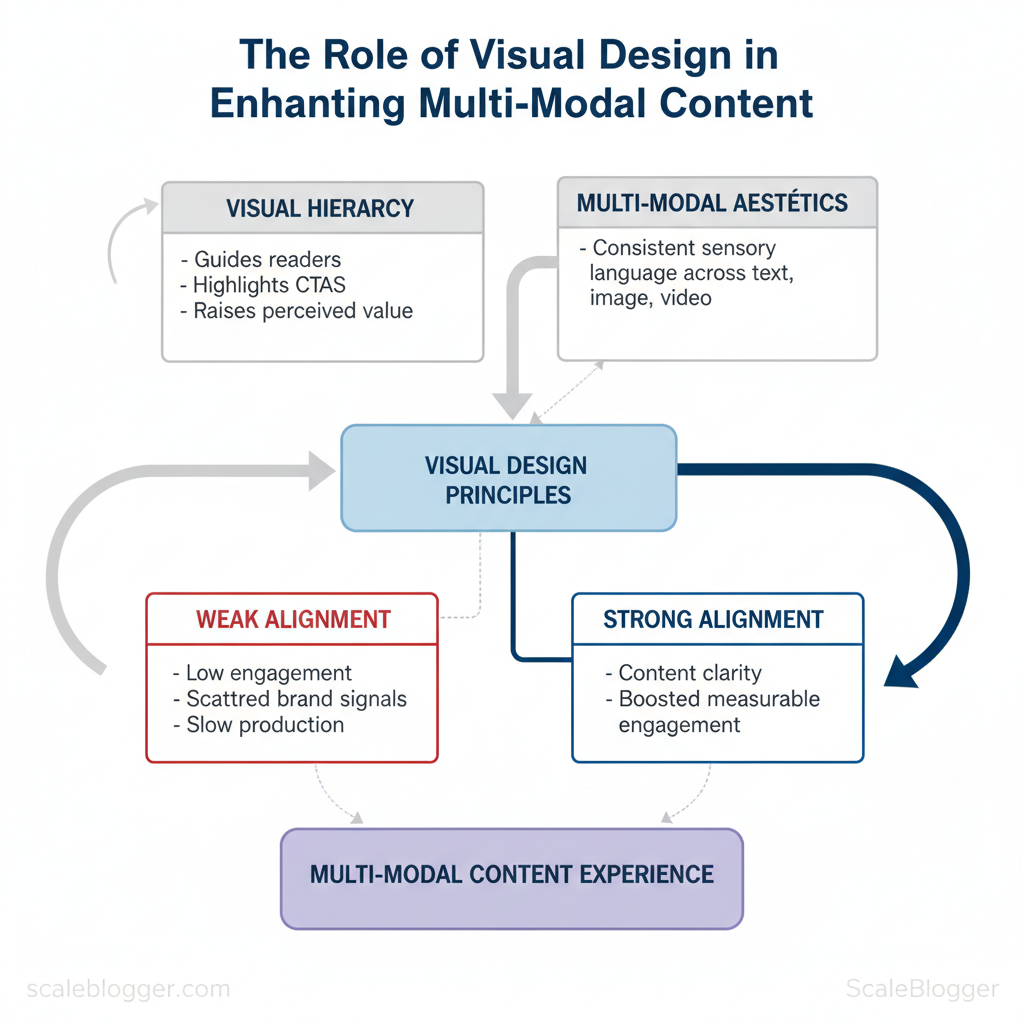
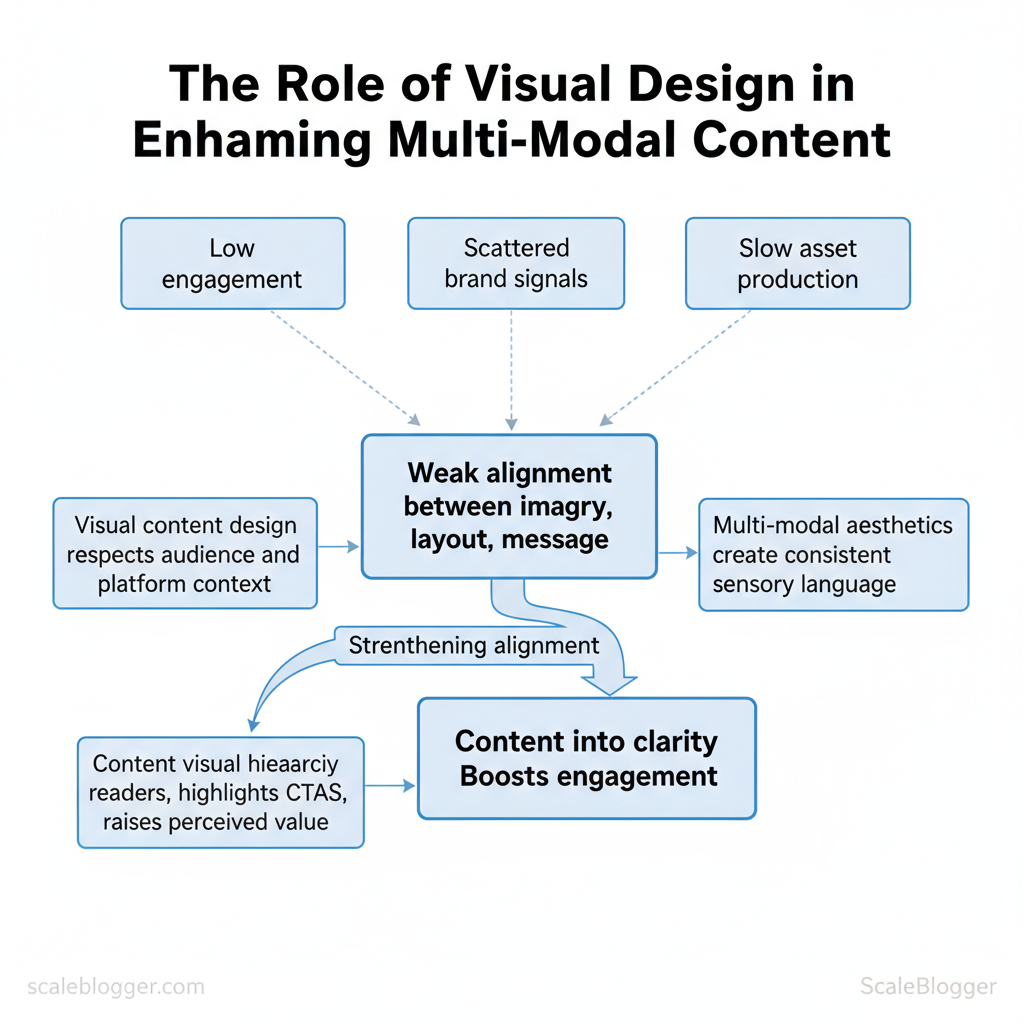
Marketing teams lose momentum when visuals and narrative pull in different directions. Low engagement, scattered brand signals, and slow asset production all trace back to weak alignment between imagery, layout, and message. Strengthening that alignment turns content from noise into clarity and boosts measurable engagement.
Successful content depends on visual content design that respects audience attention and platform context, and on multi-modal aesthetics that create a consistent sensory language across text, image, and video. Thoughtful content visual hierarchy guides readers through ideas, highlights calls to action, and raises perceived value. Industry teams that adopt these principles reduce redesign cycles and produce higher-performing assets faster. Scale your visual content production with Scaleblogger to automate repetitive asset creation and enforce consistent design rules at scale.
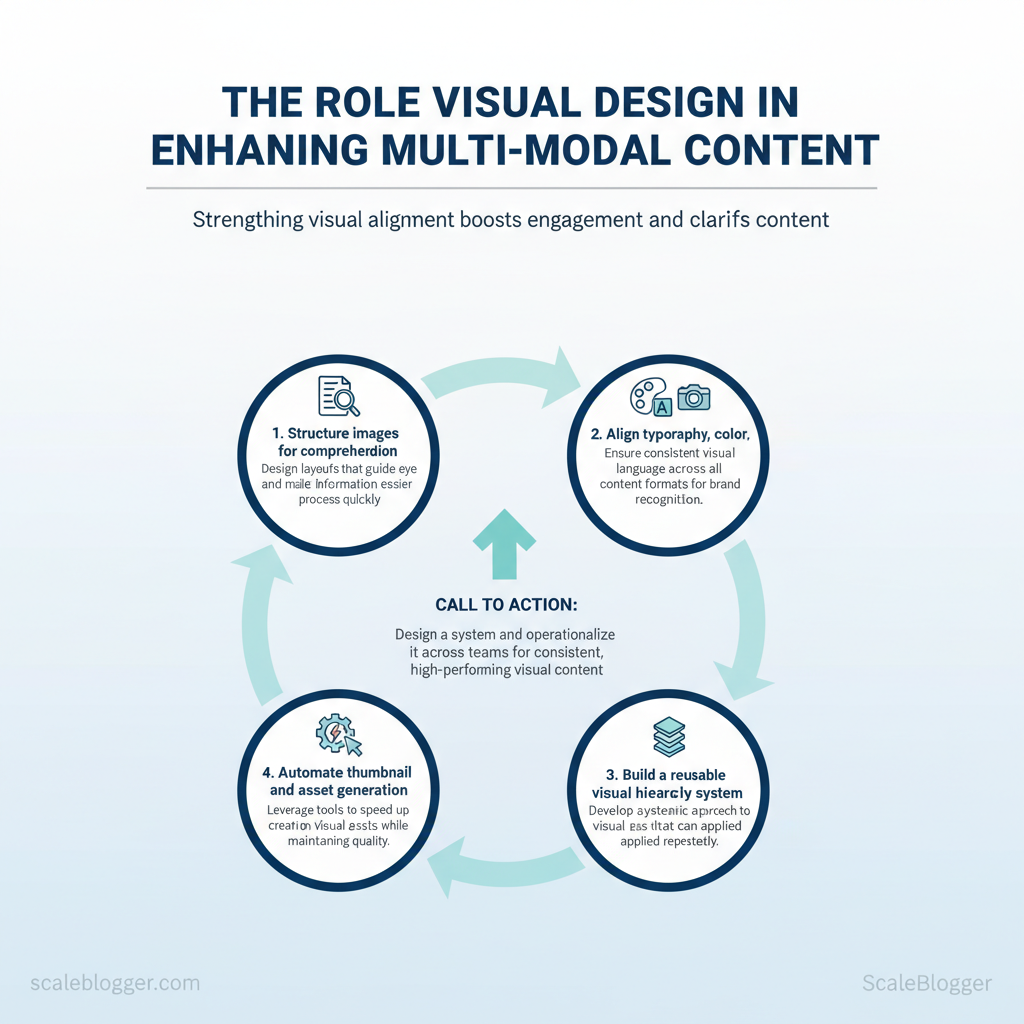
- How to structure images and layouts for quicker comprehension
- Methods to align typography, color, and imagery across formats
- Practical steps to build a reusable visual hierarchy system
- Ways automation speeds thumbnail and asset generation without losing craft
Fundamentals of Visual Design for Multi-Modal Content
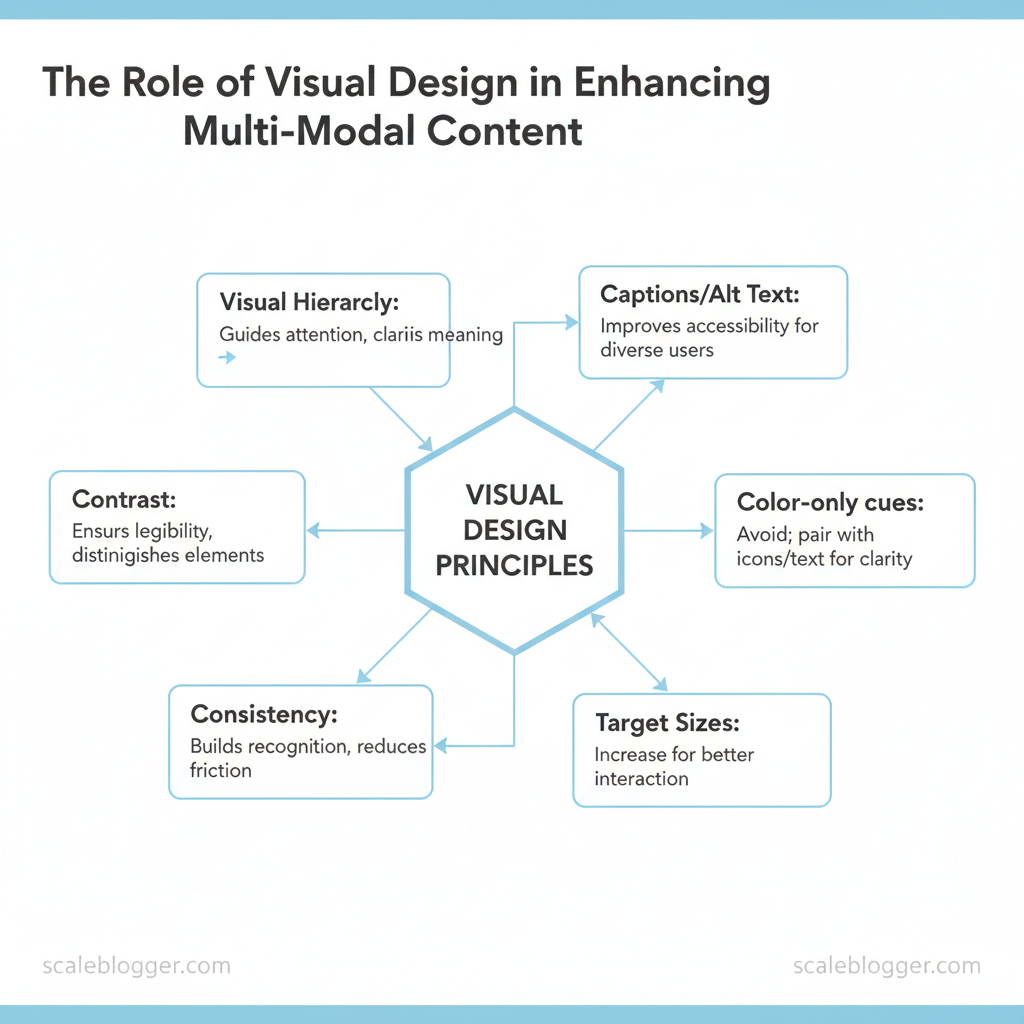
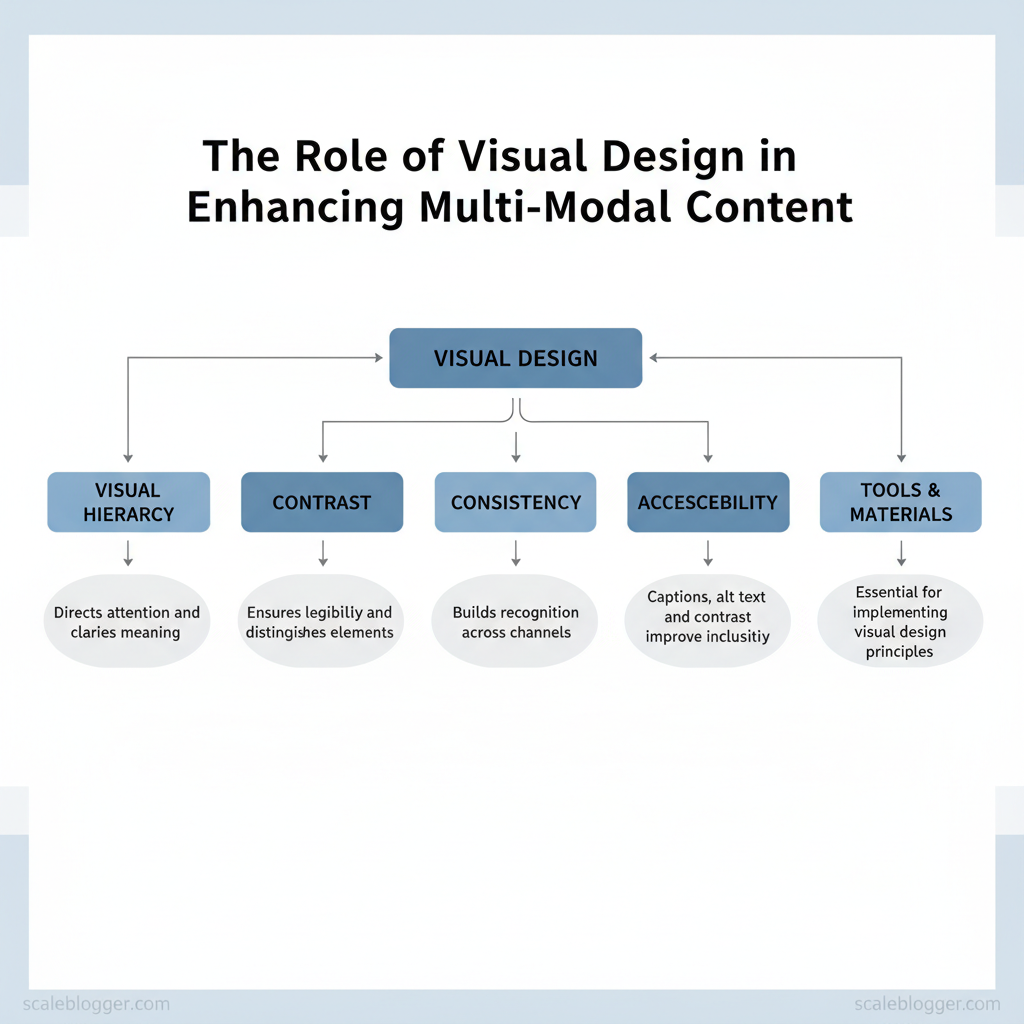
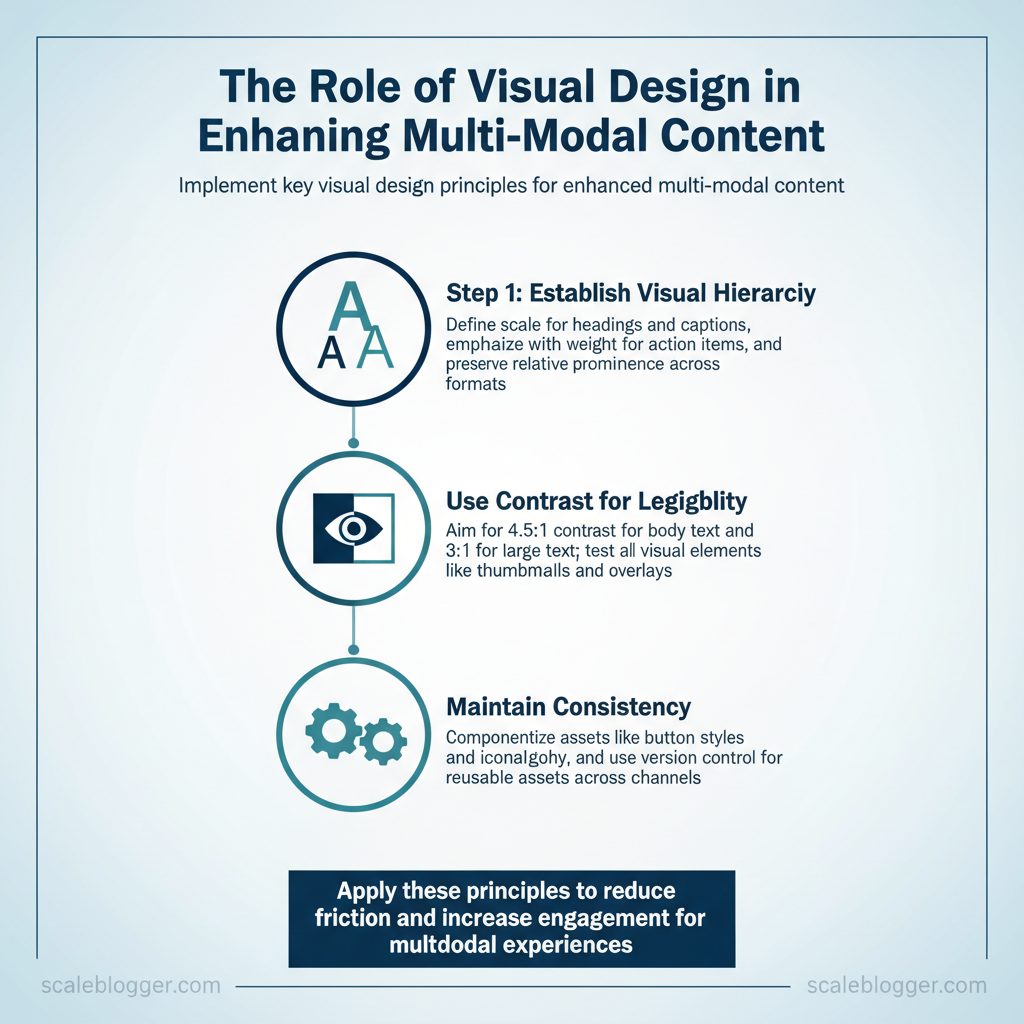
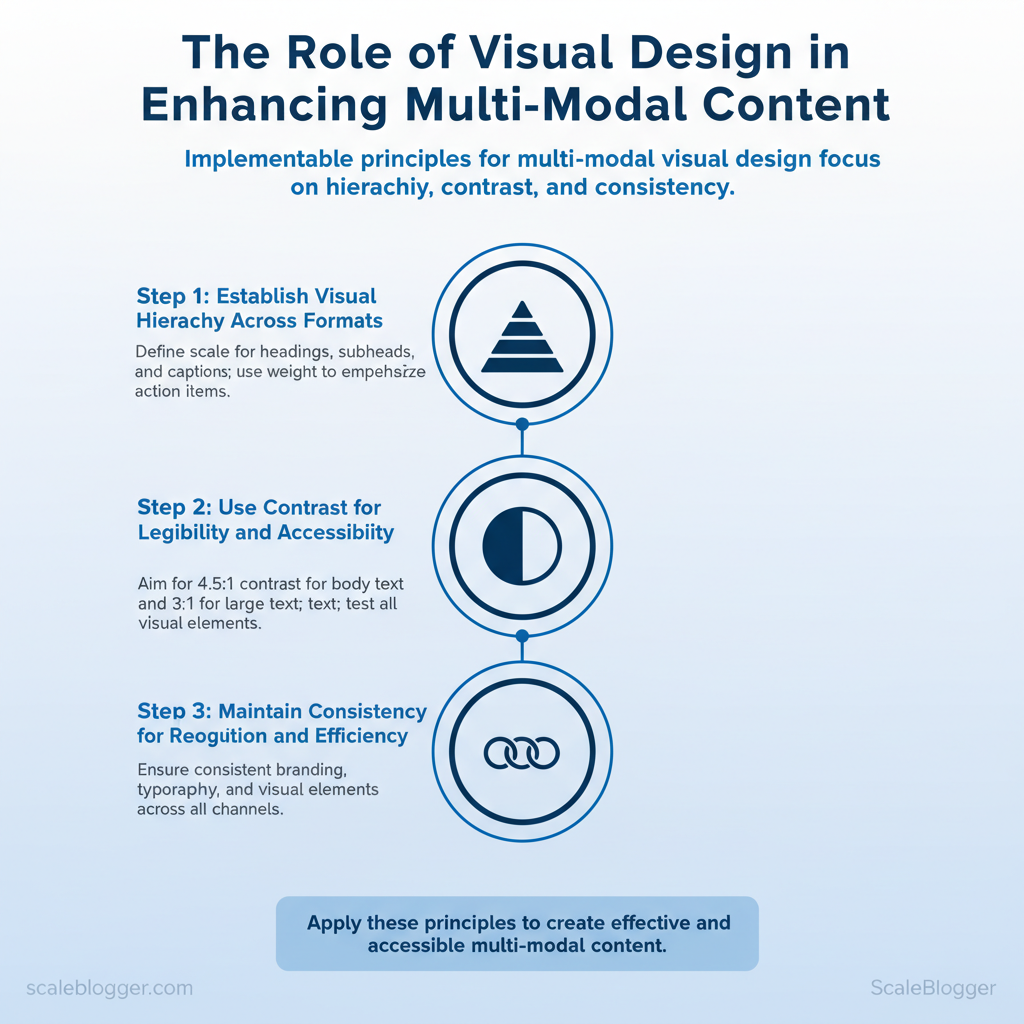
Start by treating visual design as a navigation system: it directs attention, clarifies meaning, and creates trust across text, images, audio, and video. Visual hierarchy tells users where to look first; contrast ensures they can read and distinguish elements; consistency builds recognition across channels. These three principles reduce friction for scanning, improve comprehension, and increase engagement for multimodal experiences.
Prerequisites
Tools and materials needed
- Design system files (Figma, Sketch)
- Contrast testing (WebAIM Contrast Checker)
- Captioning/transcription (Otter.ai, Descript)
- Image optimization (ImageOptim, Squoosh)
- Accessibility scanning (axe-core browser extension)
Accessibility and inclusive visuals (practical quick wins)
- Add captions: every video and audio file should include synchronized captions and a transcript.
- Write alt text: describe content and function in 1–2 concise sentences.
- Avoid color-only cues: pair color with icons or text labels.
- Increase interactive target sizes: make tap targets ≥44px.
| Accessibility Issue | Why it matters | Quick fix | Recommended tool |
|---|---|---|---|
| Low color contrast | Text unreadable for many users | Adjust color or add overlay | WebAIM Contrast Checker |
| Missing captions/subtitles | Deaf or non-native speakers excluded | Auto-generate then edit captions | Descript (paid)/Otter.ai (free tier) |
| No alt text | Screen readers lack context | Add descriptive alt attributes | CMS image fields / manual editor |
| Small font size | Legibility drops on mobile | Increase base font and line-height | Browser dev tools / Type scale guide |
| Non-descriptive link text | Screen reader users lose context | Replace “click here” with clear labels | Accessibility linters (axe-core) |
Building Visual Hierarchies that Work Across Modalities
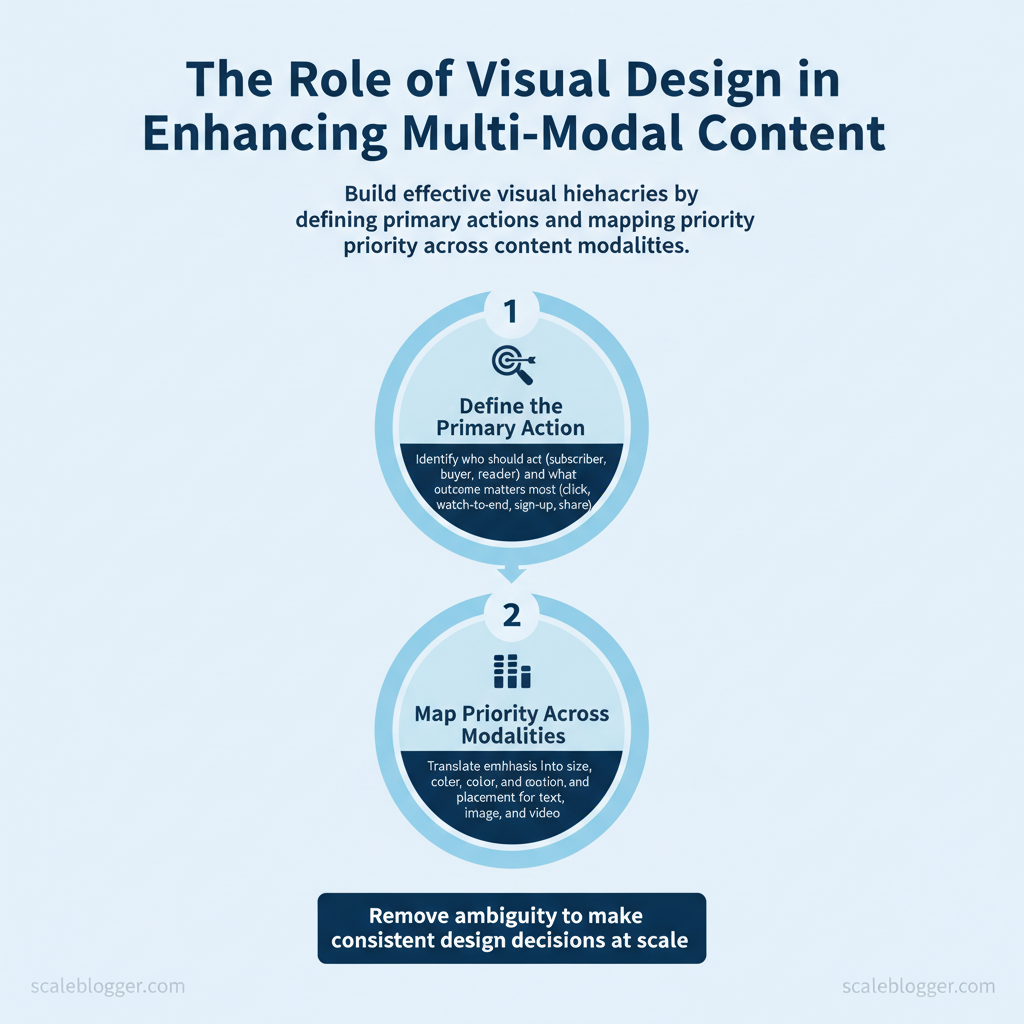
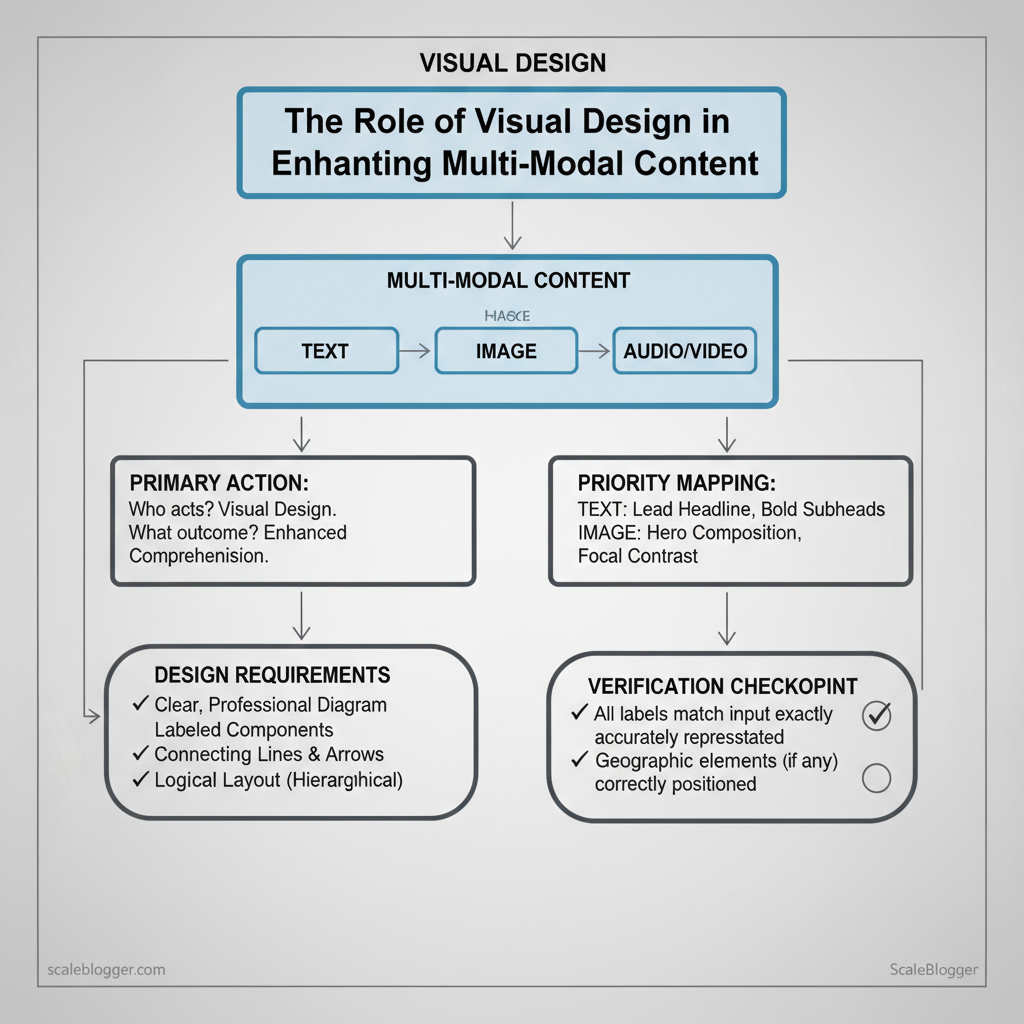
Effective visual hierarchy aligns a single primary action across text, image, and video so the audience perceives the same priority regardless of channel. Start by defining that primary action, then map how emphasis translates into size, color, motion, and placement for each modality. Doing this removes ambiguity for designers, writers, and editors and lets teams make consistent decisions at scale.
How the same content element is treated across text, image, and video for hierarchy decisions
| Content Element | Text (blog) | Image (hero/inline) | Video (thumbnail/intro) |
|---|---|---|---|
| Main takeaway | Bold H1 at top, 12–18 words, preview sentence | Centered overlay: short phrase, high contrast | Large text overlay on thumbnail; first 3s repeat message |
| Supporting data point | Inline bold stat with citation and `blockquote` | Mini infographic or captioned stat near focal point | Lower-third graphic in intro; short stat animation |
| Call-to-action | End-of-article CTA button, anchor link, tracked URL | Overlay button or corner badge linking to landing page | End-screen CTA + clickable cards and pinned comment link |
| Branding/logo | Small header logo + byline; alt text | Top-left or bottom-right watermark (subtle opacity) | Corner watermark throughout; branded intro frame |
| Secondary links | Contextual inline links within body and sidebar | Caption links and small read-more callouts | Description box links and end-screen cards |
Quick templates and wireframes
Template A — blog-first layout (blog → image → video)
Template B — video-first social format (video → article → images)
“`html Lead stat: 42% increase… Practical tips: use `A/B` tests to confirm that a hero overlay phrase versus a large H1 drives the intended action; ensure brand marks remain legible at social thumbnail sizes; automate template rendering where possible so creators focus on message not layout. Scale your content workflow by codifying these choices into templates and automated checks—this shortens review cycles and keeps executions consistent across channels. Understanding and applying these mappings lets teams move faster without sacrificing clarity. Start by matching asset complexity to business value: high-conversion pages and pillar topics deserve higher production value, while evergreen long-tail posts and social hooks are ideal for lower-cost, high-frequency formats. Prioritize assets that scale through repurposing and directly support search intent or funnel stages. Repurposing Playbook: One Asset, Many Uses Example `ffmpeg` export command for a vertical clip: “`bash ffmpeg -i master.mp4 -vf “scale=1080:1920,setsar=1” -c:v libx264 -b:v 7M -c:a aac -b:a 128k vertical_1080x1920.mp4 “` Practical rules: keep a rolling asset library, version assets with dates and use naming like `topic_platform_length_date`. Consider integrating an AI automation pipeline to `Scale your content workflow` via Scaleblogger.com for batching repurposing and scheduling. Understanding these principles helps teams move faster without sacrificing quality. When implemented consistently, this approach minimizes wasted production time and maximizes reach across channels. Start by using visuals to reduce friction: visuals should reveal information progressively so readers can scan, absorb, and decide quickly. Visual storytelling works when imagery, motion, and micro-interactions form a coherent guide through the narrative — not as decoration. These techniques raise comprehension, increase time-on-page, and create predictable visual pathways for conversion. Where to put cues: headings, lead images, inline blockquotes, figure captions, and CTA thumbnails — each spot should include a lightweight affordance (hover states, subtle chevrons, or a `+` expand icon) so scanning users instinctively know what’s interactive. Key insight: This toolkit mixes accessible no-code options (Canva, Descript, Snappa) with richer interactive platforms (Visme, Ceros) and developer-friendly libraries (LottieFiles, GSAP). Start with captioning and thumbnails to lift CTR, then add guided motion and micro-animations where they measurably improve scanning. For teams automating at scale, consider tying these assets into an AI-powered pipeline to speed production and ensure consistent visual language — for example, use an automation workflow to generate captions, thumbnails, and `schema` markup as part of your content publish step with tools like those at Scale your content workflow (https://scaleblogger.com). Understanding and applying these principles helps teams move faster without sacrificing quality. Measure visuals by linking them to clear behavioral outcomes, then iterate fast. Start with the metrics that actually move business goals — time on page and scroll depth for longform engagement, thumbnail CTR and video retention for video funnels, and social share rate for distribution velocity. Establish baselines from the last 4–8 weeks of data, run controlled variants, and interpret lift with an attribution-aware mindset — multi-platform publishing often dilutes first-touch signals, so rely on relative lift within controlled cohorts rather than absolute attribution. Map metrics to tracking methods and tools A practical 6-week visual experiment plan Expected outcomes, troubleshooting, and tips 📥 Download: Visual Design Checklist for Multi-Modal Content (PDF)Main takeaway phrase


Visual Assets: What to Create and When
Budget Tier
Recommended Assets
Estimated Production Time
Expected Impact
DIY (solo creator)
Hero blog images, short Reels (15–30s), infographics (Canva templates)
1–4 hours per asset (Canva + phone video)
Quick traffic lift; high agility
Semi-pro (small team)
Explainer videos (2–4 min), carousel posts, detailed infographics
1–3 days per asset (editing, review)
Strong engagement; supports email/social
Studio (agency/high budget)
Cinematic brand films (1–3 min), interactive visuals, long-form tutorials
1–2+ weeks per asset (shoot, VFX, color)
High trust and conversion lift
Repurpose-focused bundle
Podcast episode + video cutdowns + blog transcript
2–5 days to produce full bundle
Multichannel reach; SEO + social synergy
Visual Storytelling Techniques for Engagement
Tool/Plugin
Use Case
Cost/Plan
Quick Tip
Canva
Thumbnail & social image creation
Free; Pro $12.99/mo
Use templates sized for CMS thumbnails
Descript
Captioning / subtitle generation
Creator $12/mo; Pro $24/mo
Export SRT for CMS upload
LottieFiles
Micro-animation library
Free; Pro $15/mo
Use lightweight `lottie` for UI animations
Visme
Interactive infographic builder
Free; Pro $15/mo
Embed as responsive iframe
Infogram
Data visualizations
Free; Pro $25/mo
Export responsive embeds with tooltips
Rev.com
Professional captions
$1.50/min (transcription)
Use for high-accuracy subtitles
GSAP
Advanced guided motion (JS)
Open-source / GreenSock paid plugins
Combine with IntersectionObserver for scroll timing
Snappa
Quick thumbnail creation
Pro $10/mo billed annually
Fast templates for A/B thumbnails
Ceros
Enterprise interactive content
Custom enterprise pricing
Best for immersive experiences and marketing pages
Inline Related Posts (WP)
CMS inline callouts
Free; Premium $29/yr
Measuring Visual Effectiveness and Iterating
Metric
Best tracking method
Tool suggestions
What improvement looks like
Time on page
Session-level events + `engagement_time_msec`
Google Analytics 4: engagement metrics, Hotjar: session recordings
10–25% longer median session; more engaged scroll patterns
Video retention rate
Per-video view cohorts, retention curves
YouTube Analytics: audience retention, Vimeo/StreamYard analytics
Higher 10–30% mid-roll retention; fewer drop-offs in first 15s
Thumbnail CTR
Impression vs. click events on listing pages
YouTube Studio, GA4 event tracking, Social platform insights
CTR lifts of 2–5 percentage points on thumbnails/headlines
Social share rate
Share button events + UTM campaign tracking
Native platform insights, Sprout Social, Buffer analytics
Share rate doubling from baseline (e.g., 0.5% → 1.0%)
Scroll depth
Percent scroll events (25/50/75/100)
Google Tag Manager + GA4, Hotjar, FullStory
More sessions reaching 75%+ depth; reduced bounce in top vs. bottom cohorts
Scaling Visual Design with AI and Automation
AI can take repetitive visual tasks off designers’ plates while preserving brand fidelity—when pipelines are built with clear inputs, QA gates, and ethical guardrails. Practical AI workflows reduce turnaround for thumbnails, resizing, and captions from hours to minutes, but they require disciplined templates, verified metadata, and human signoffs for final editorial judgment. Below are concrete workflows, the tools that work in production, the trade-offs to plan for, and where QA must happen.
| Workflow | Recommended Tools | Pros | Cons |
|---|---|---|---|
| Automated thumbnail generation | Canva (Free + Pro $12.99/mo), Runway (pay-as-you-go), Jasper Art | Fast A/B variants, template system, batch exports | May produce inconsistent compositions, manual cropping needed |
| Auto-captioning & transcript extraction | Descript (from $12/mo), Otter.ai (Free + paid), Rev.ai (pay-per-minute) | Accurate timestamps, speaker identification, editable transcripts | Requires human speaker-labeling for accuracy |
| Bulk asset resizing & templating | Figma + Figma Plugins, Cloudinary (Free tier + pricing), Canva Pro | Scales to platforms, preserves layout rules, automated exports | Complex templates need developer setup |
| AI-assisted color grading | Adobe Photoshop Neural Filters (Subscription), Colorlab (node-based) | Consistent color profiles, speed for batch jobs | Fine-tuning still manual for brand-critical images |
| Image alt-text generation | Microsoft Azure Computer Vision, Google Cloud Vision, OpenAI image captioning APIs | Improves accessibility, SEO lift | Needs human review for context, sensitive content errors |
Guardrails: Brand, Ethics, and Quality
- Brand checklist: enforce `primary`/`secondary` palettes, approved typefaces, logo clearspace, and tone-of-image rules.
- Ethics and consent: confirm model releases for people, avoid synthetic likenesses without consent, and flag deepfakes.
- Minimum quality thresholds: set artifact limits, minimum DPI, and an editorial sign-off for public assets.
Conclusion
Aligning visuals with narrative turns sporadic content bursts into predictable momentum. Teams that set up reusable templates and automated asset generation in the way described here typically cut production time and maintain brand consistency — for example, marketing groups that paired a template library with automated image resizing saw faster campaign launches and steadier engagement signals. Expect faster iterations, fewer approval rounds, and clearer analytics when images, copy, and distribution are coordinated; if you wonder how quickly results appear, early wins often show within a single campaign cycle, while full consistency usually takes two to three cycles.
Take the next steps deliberately: audit one campaign’s visual workflow, create two reusable templates, and measure time-to-publish and engagement lift on the next run. If automation is the goal, platforms that handle templating, versioning, and distribution reduce manual bottlenecks. For teams looking to scale those capabilities, consider this resource as one option: Scale your visual content production with Scaleblogger. That step will streamline handoffs and make it easier to test the approaches outlined above, so teams can move from firefighting visuals to generating steady, measurable results.
